Google Business Profile Suspended: How to Get Reinstated
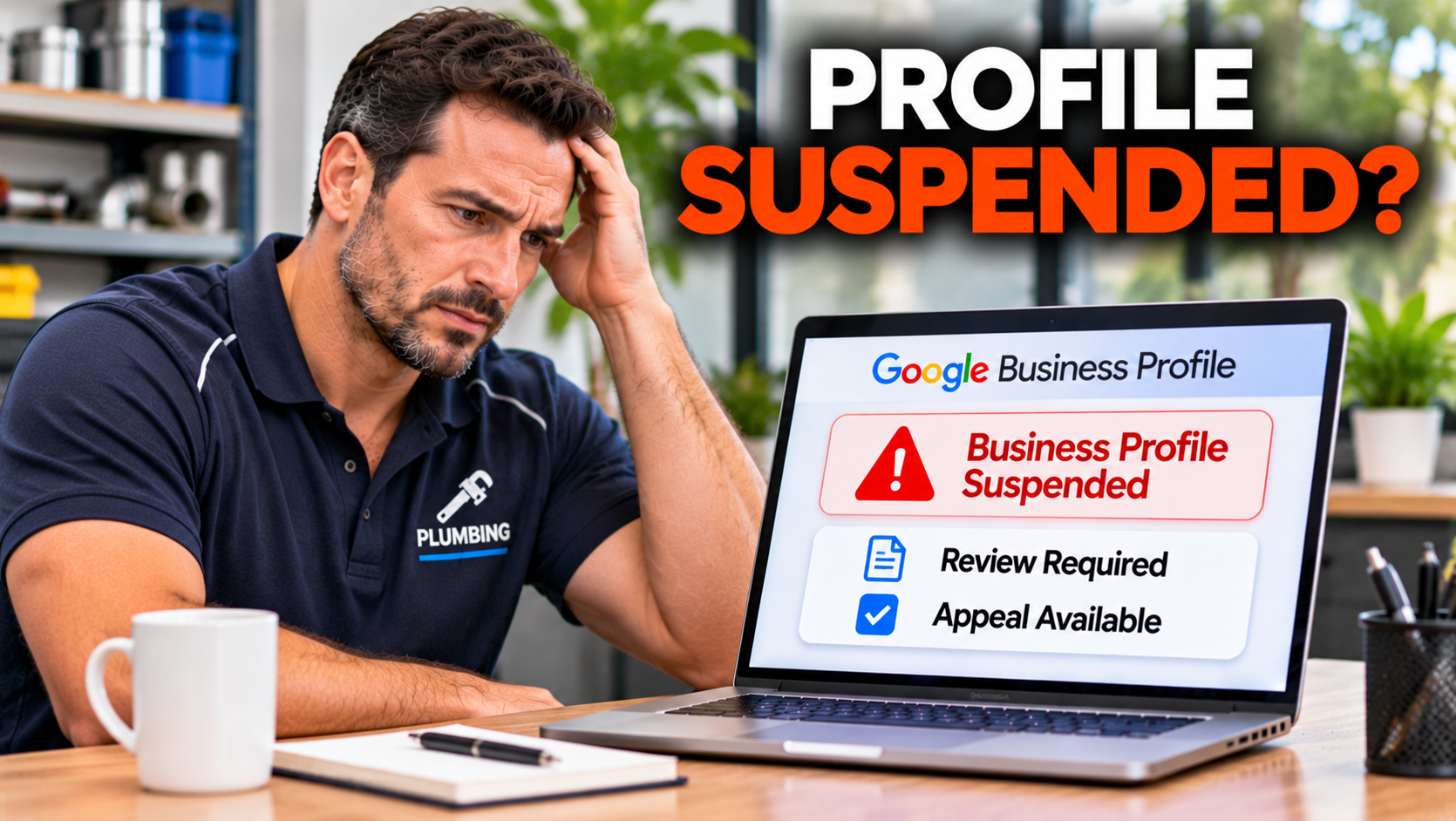
You search for your own business and nothing comes up. Or the listing is still there, but you cannot change your hours or reply to a review. The phone has gone quiet, and an email from Google says your profile has been suspended. It is one of the most stressful things that can happen to a local business, because for many businesses the profile is the shopfront. The good news is that most suspensions can be fixed, particularly when the cause is a simple, correctable mistake. I am Jarryd Holmes from Bolder Digital, and full disclosure, we help businesses with Google Business Profiles, so I have a stake. We cannot guarantee what Google decides, but we can tell you what usually works, and what makes things worse.
What a Suspension Actually Is
Not every problem with a profile is a suspension, and the type affects what you do next.
Soft suspension: the profile is still visible on Search and Maps, but you can no longer manage it. You usually cannot edit it, and an appeal is needed to regain control.
Hard suspension: the profile is removed from Search and Maps. Customers cannot find it, and you must appeal to bring it back.
Verification hold: the profile asks you to verify again, by video, postcard, or document. This is not a suspension, and our guide on verification problems covers it.
Account restriction: the Google account itself has been restricted. Google says to appeal the account restriction first, and only then appeal the profile suspension.
Check the email Google sent, and the status in your dashboard, to see which one you have.
Why Profiles Get Suspended
Google suspends profiles that break its guidelines, or that look like they do. The most common causes, in the order that guides and Product Experts report them, are:
A keyword stuffed business name. Adding services, cities, or slogans, such as “Smith Plumbing Hobart 24 Hour Emergency Plumber” instead of “Smith Plumbing”. Your name should be your real name, as it appears on your signage and paperwork.
An ineligible address. Virtual offices, PO boxes, mailbox services, and addresses where you are not staffed during your stated hours.
A home address on a service area business. If you travel to customers, you should hide your address and list service areas instead.
Inconsistent details. A name, address, or phone number that does not match your website or other records.
The wrong category, or one that misrepresents your business. Our guide on categories explains how to choose.
Duplicate or multiple profiles for the same business or location.
Review manipulation. Fake or paid reviews, swapping reviews with other owners, or offering gifts for reviews.
Sudden, sweeping edits. Changing your name, address, and category all at once, particularly soon after verification, can look like a hijacking.
Algorithmic sweeps. Google sometimes runs automated checks on categories that attract a lot of spam, such as plumbers and locksmiths, and legitimate businesses can be caught.
Sometimes the cause is something you did years ago, such as a forgotten second listing or an old name. Sometimes a competitor has reported you. Occasionally, there is no clear reason at all.
What Not to Do
Do not create a new profile. It will usually be suspended too, and it can damage your appeal.
Do not submit fake documents. Never forge or alter anything. It is dishonest, and it can end any chance of reinstatement.
Do not appeal repeatedly in a panic. A thin first appeal is hard to redo, so prepare properly.
Do not keep editing the profile while an appeal is pending.
Do not pay anyone who guarantees reinstatement. Nobody controls Google’s decisions, and promises of guaranteed results are a warning sign.
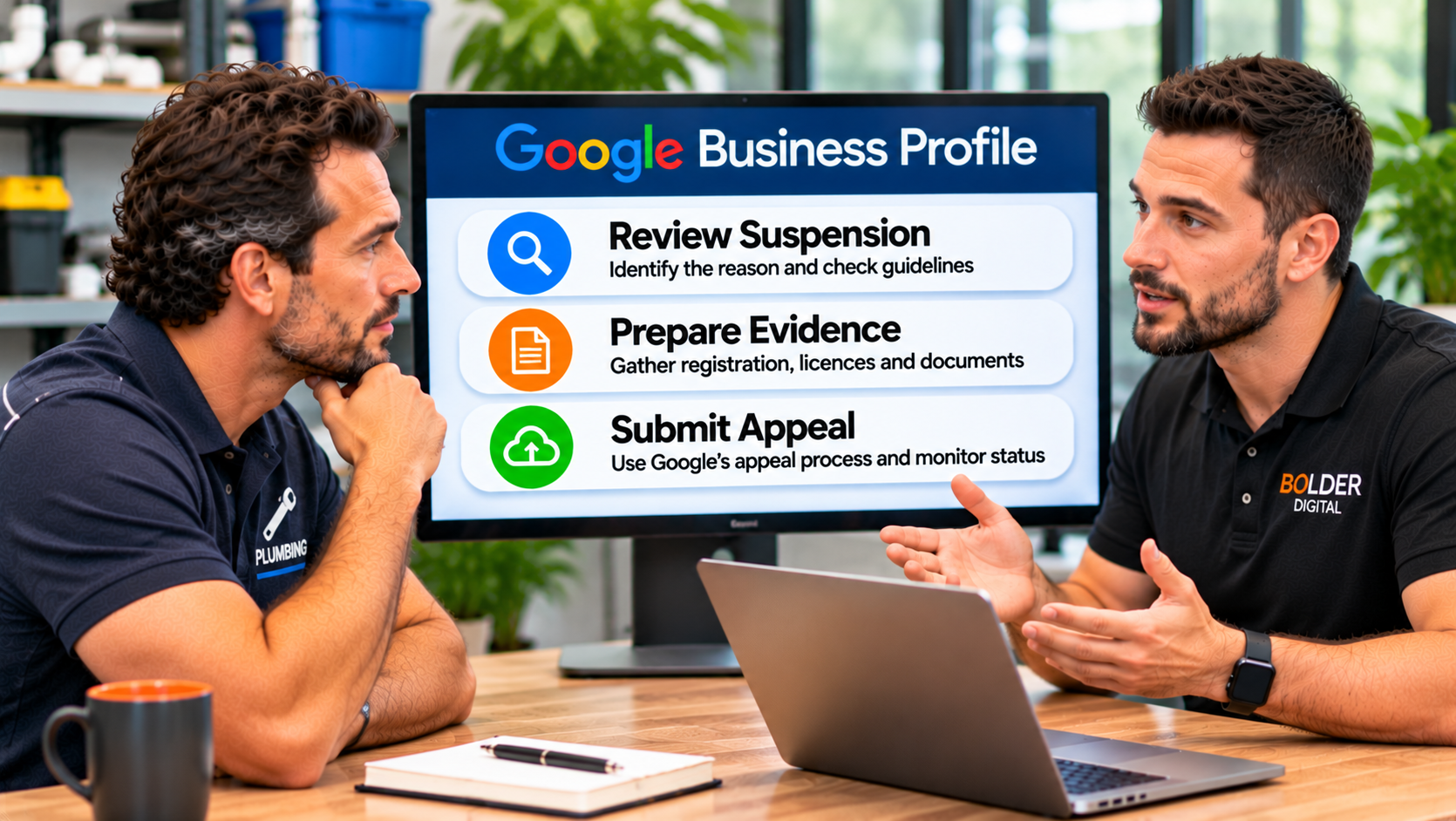
How to Get Reinstated: Step by Step
Step 1: Work out what you have.
Read Google’s email and look at your dashboard. Is it a soft suspension, a hard suspension, a verification request, or an account restriction? Note the reason Google gives, if it gives one.
Step 2: Find and fix the problem.
Audit your profile honestly against Google’s guidelines.
Is the name exactly your real business name?
Is the address real, staffed, and eligible, or should it be hidden because you are a service area business?
Does everything match your website and your registered details?
Is the category accurate?
Are there duplicates?
Have you ever sought or received reviews in ways that break the rules?
Fix everything you find before you appeal. With a soft suspension, your edits may be held for review, and Google’s reviewers can see them when they assess your appeal.
Step 3: Gather your evidence.
Google’s appeals tool lets you add supporting evidence, and a well documented appeal is much stronger than a bare one. Google’s own tip is that the business name and address on every document must match the profile you are appealing for. Useful evidence for an Australian business can include:
your ABN registration, and business name registration where relevant
any trade or occupational licence your industry requires
a recent utility bill, rates notice, or lease showing the business name and address
photos of your signage, shopfront, or workspace
for a service area business, photos of your branded vehicle, equipment, and tools
your website, showing the same name and details
invoices, a business card, or other proof you operate under that name
links to your social media and other listings, which show a consistent presence
Save everything as clear PDFs and photos in one folder.
Step 4: Submit one clear appeal.
Sign in to the Google account that manages the profile, open the appeals tool from Google’s help page, select the profile, and choose the correct appeal type. Some guides report that once you open the evidence upload form you have only a limited window, about an hour, to attach files, so have everything ready before you click. Write a short, factual explanation of what was wrong, what you changed, and what the attached documents show. Tick the box confirming that all evidence is attached, then submit.
Step 5: Wait, and leave the profile alone.
Google will email you its decision. It does not publish timelines, and guides report anything from a few business days to several weeks. Do not edit the profile or submit another appeal while you wait.
If Your Appeal Is Denied
A denial is not always the end. Google says it may be able to review again if you provide evidence that was not in the original appeal. Look at why it was denied, if you were told, and ask yourself what is still wrong or unproven. Specialists describe further routes, such as submitting again with stronger evidence after a waiting period or replying to the denial email, but these vary, so follow whatever Google’s tool and email instruct. The Google Business Profile Community and its Product Experts can also give guidance. If the profile is critical to your business, it may be worth getting an experienced professional to review the case.
What Happens to Your Reviews?
With a hard suspension, the listing and its reviews disappear from public view. When a profile is reinstated, its reviews usually return too, which is one more reason to fix and appeal instead of starting a new profile.
Staying Visible While You Wait
A suspension can cost you calls, so spread your risk:
keep your website current, and make sure it ranks for your key services
check your listings on other directories, and on Bing and Apple Maps
stay active on social media, and tell regulars how to reach you
consider paid search or social ads for the gap
These do not replace your profile, but they keep enquiries flowing.
How to Avoid It Happening Again
Use your real business name, exactly as it appears on your signage and registration.
Use a real, staffed address, or hide it and set service areas if you travel to customers.
Keep your name, address, and phone number consistent with your website and records.
Choose accurate categories.
Keep one profile per business location.
Never buy, swap, or incentivise reviews.
Make changes gradually, and not right after verification.
Use a Google account owned by the business, and keep more than one trusted owner.
Read your emails from Google, and check suggested edits to your profile.
Review your profile every month or so.
How Bolder Digital Helps
At Bolder Digital, we review the likely cause of a suspension, fix the profile, gather the right evidence, and submit a clear appeal. We cannot control Google’s decision, and we do not promise results, but a careful, honest appeal gives you the best chance. You can read more about our Google Business Profile optimisation service, and our optimisation checklist shows how to keep a profile healthy.
The Bottom Line
A suspended Google Business Profile is stressful, but it is usually fixable. Work out which type you have, find and correct the real cause, gather proper evidence that matches your profile, and submit one clear, honest appeal. Do not create a new profile, fake anything, or keep editing while you wait. And once you are back, keep the profile clean, consistent, and steady, so it stays that way.
Frequently Asked Questions
Why was my Google Business Profile suspended?
The most common reasons are a keyword stuffed business name, an ineligible address such as a virtual office or PO box, a home address shown on a service area business, details that do not match your website, a wrong category, duplicate listings, fake reviews, or a burst of sudden edits.
What is the difference between a soft and a hard suspension?
With a soft suspension, your profile stays visible but you cannot manage it. With a hard suspension, it is removed from Google Search and Maps. Both require an appeal.
How long does reinstatement take?
Google does not publish a timeline. Guides report anything from a few business days to several weeks, depending on the case.
What documents should I submit?
Evidence that your business is real and operates under that name at that address, such as your ABN and business registration, relevant licences, a recent utility bill or lease, photos of signage and vehicles, and your website. The name and address on every document must match the profile.
Should I create a new profile instead?
No. A new profile will usually be suspended too, and it can hurt your appeal. Fix the problem and appeal.
Jarryd Holmes, Founder & Owner, Bolder Digital | Prospect Vale, Tasmania | bolderdigital.com.au