
How to Fix a GoHighLevel Funnel That Is Not Converting
If your GoHighLevel funnel is getting traffic but no leads, the problem is almost never the platform. GoHighLevel funnel optimisation comes down to a handful of fixable issues that most business owners overlook when setting up their GHL funnel builder for the first time.
The good news is that most of these problems are straightforward to diagnose and fix. This guide walks you through the most common reasons your funnel is underperforming and exactly what to do about each one.
Your Offer Is Not Clear Enough
The number one reason a GoHighLevel funnel stops converting is a weak or confusing offer. Visitors land on your page and within three seconds they need to know what you do, who it is for, and what they get. If your headline does not answer all three, they leave.
Fix it by rewriting your headline to be specific. Instead of "Grow Your Business Today," try "Get 10 More Leads This Month Without Spending More on Ads." Specificity builds trust and trust drives conversions.
Your subheadline should reinforce the offer and address the visitor's biggest concern. Keep it to two sentences maximum. Everything else on the page exists to support that core offer if any section is not doing that job, remove it.
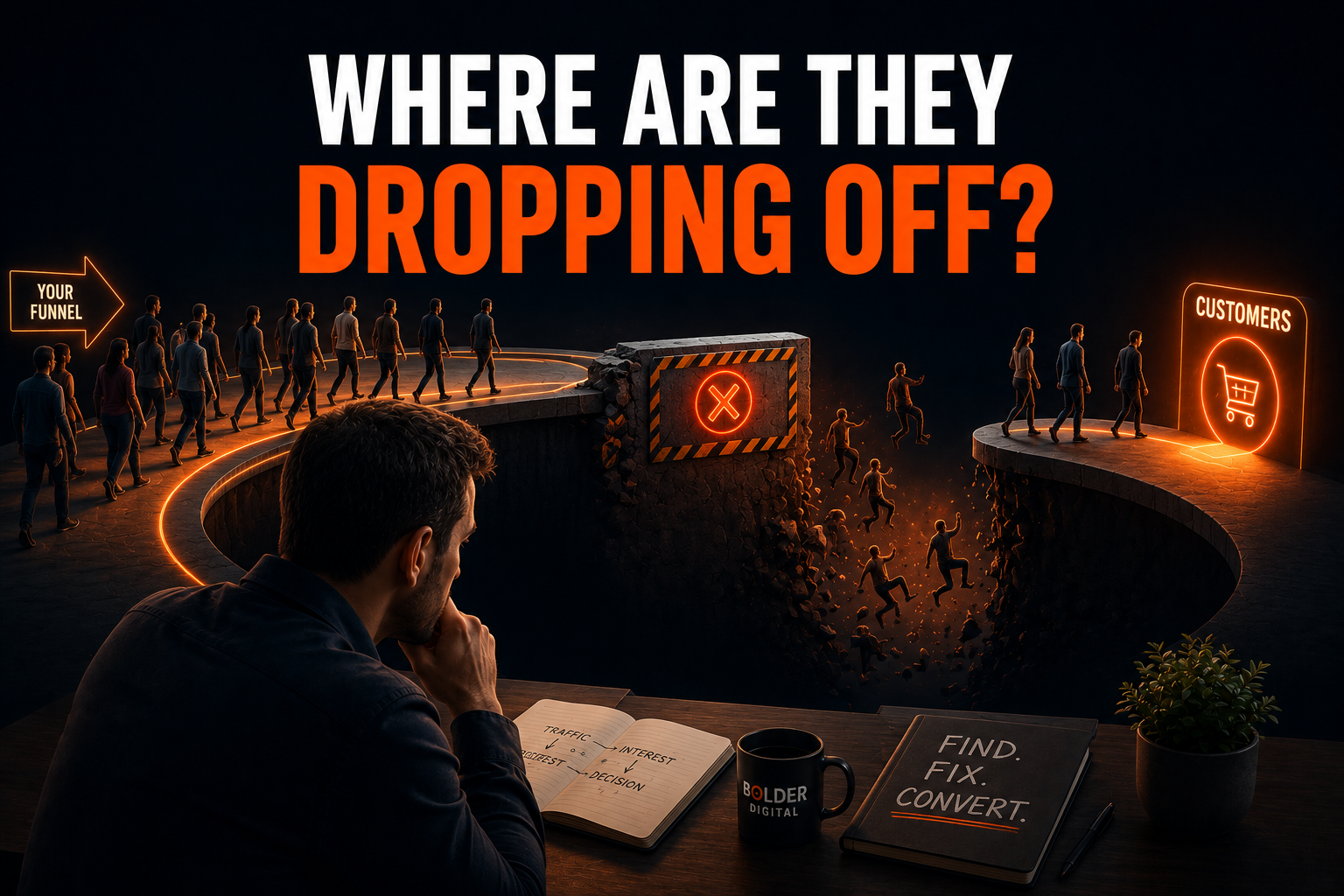
Your Page Is Loading Too Slowly
A slow page kills conversions before they even start. In the GHL funnel builder, loading speed is affected by large images, unnecessary scripts, and too many sections on a single page.
Run your funnel URL through Google PageSpeed Insights. Compress any images above 200KB before uploading them. Remove any custom code blocks you are not actively using. Keep your funnel to the minimum number of sections needed to make the sale. Every extra element adds load time and gives the visitor another reason to bounce before your page finishes rendering.
A good target is under three seconds on mobile. If you are above that, start with image compression it solves the problem in most cases.
Your Form Is Asking for Too Much
Every extra field in your opt-in form reduces conversions. If you are asking for name, email, phone, business name, and budget on a cold traffic funnel, you are losing leads before they even read your offer properly.
Start with name and email only. Once you have the lead in your GHL pipeline, you can collect more information through your follow-up sequence. If you need a phone number, add it as an optional field rather than a required one. Less friction at the top of your funnel means more leads at the bottom.
The only exception is a high-ticket service where you want to pre-qualify leads before they book. In that case, a short three to four question form is acceptable — but keep every question directly relevant to the booking decision.
Your Follow-Up Automation Is Not Firing
This is one of the most common GoHighLevel funnel optimisation issues and one of the easiest to miss. A lead submits the form, nothing happens on their end, and they forget about you within the hour.
Go to your workflow and check that the trigger is correctly set to fire on form submission for the right form. Check that your emails and SMS messages are published and not sitting in draft. Check that your sender email is verified and not landing in spam. Send yourself a test lead to confirm the entire sequence fires correctly from start to finish.
A strong follow-up sequence for a service business should send an immediate confirmation email, an SMS within two minutes, and a second email within 24 hours if the lead has not booked. Most businesses set up the workflow once and never test it which means leads are falling through a hole they do not even know exists.
Your Call to Action Is Buried
In the GHL funnel builder, it is easy to add too much content and push your call to action below the fold. Most visitors never scroll that far, especially on mobile.
Your primary CTA button needs to appear above the fold on both desktop and mobile. Make it visually distinct use a contrasting colour that stands out from the rest of the page. Add a second CTA button at the bottom of the page for visitors who read everything before deciding.
Make the button text action-focused and outcome-driven. "Book My Free Strategy Call" converts better than "Submit." "Get My Free Quote" converts better than "Contact Us." The button text should tell the visitor exactly what happens when they click it.
Your Mobile Experience Is Broken
More than half of your funnel traffic is coming from mobile devices. If your GoHighLevel funnel looks great on desktop but breaks on mobile, you are losing the majority of your potential leads without ever knowing it.
Preview every funnel page in GHL's mobile view before publishing. Check that buttons are large enough to tap comfortably with a thumb. Check that text is readable without zooming. Check that images are not overflowing the screen or pushing content out of alignment. Check that your form fields are easy to fill in on a small keyboard.
Go through the entire funnel on your own phone before sending any traffic to it. It takes five minutes and will save you from losing weeks of leads to a broken mobile layout.
Your Trust Signals Are Missing
Cold traffic visitors do not know you. Without social proof, testimonials, or trust signals on your funnel page, there is no reason for them to hand over their contact details or book a call.
Add at least two or three short client testimonials directly on the funnel page. Keep them specific results-focused testimonials convert far better than generic praise. If you have Google reviews, screenshot the best ones and embed them as images. A simple line like "Trusted by 100+ Australian businesses" above your form can lift conversions noticeably.
If you have been featured in any publications, podcasts, or industry groups, add their logos to a short "As Seen In" strip. Even small credibility signals reduce the perceived risk for a cold visitor and make them more likely to take the next step.
Your Traffic Is Not Qualified
Sometimes the funnel itself is fine and the problem is the audience seeing it. If you are running broad paid traffic or targeting the wrong keywords, you will get clicks from people who were never going to convert regardless of how good your page is.
Review where your funnel traffic is coming from. If it is paid ads, check your audience targeting and make sure it matches the person your offer is written for. If it is organic, check which keywords are sending traffic and whether those keywords reflect buying intent or just general curiosity.
Qualified traffic and a well-built funnel work together. One without the other will always underperform.
When to Get Expert Help
Sometimes the issue goes deeper than a quick fix. If you have worked through every point above and your GoHighLevel funnel optimisation still is not moving the needle, the problem may be in your workflow logic, your pipeline setup, or how your funnel connects to the rest of your GHL system.
Working with an experienced GHL certified admin means having someone audit your entire funnel setup, identify the exact breaking point, and fix it properly — so you stop guessing and start converting.

FAQ
Why is my GoHighLevel funnel not converting?
The most common causes are a weak headline, slow page speed, too many form fields, broken follow-up automation, or missing trust signals. Work through each one systematically before making big changes.
How do I optimise a GHL funnel builder page?
Start with your offer clarity, then check page speed, mobile view, form length, and CTA placement. Test one change at a time so you know what is actually moving your conversion rate.
How many steps should a GoHighLevel funnel have?
For most service businesses, a two-step funnel works best — an opt-in page and a thank you page with a calendar booking. Keep it simple until you have consistent conversions, then add complexity.
Does GoHighLevel have A/B testing?
Yes, GHL has a built-in split testing feature for funnel pages. Use it to test different headlines and CTA buttons once your funnel is live and getting consistent traffic.
How long does it take to fix a funnel in GoHighLevel?
Most technical fixes take less than a day. Offer and copy changes may take a week of testing to see measurable results in your conversion rate.
Do I need a developer to fix my GoHighLevel funnel?
No. Most GoHighLevel funnel optimisation fixes can be done directly inside the GHL funnel builder without any coding knowledge. For more complex workflow or automation issues, a GHL certified admin can step in and resolve them quickly.