How to Improve Gohighlevel Landing Page Design
A well-designed GoHighLevel landing page can be the difference between a lead that converts and a visitor that bounces in under five seconds. For business owners and entrepreneurs using GHL to drive leads, book appointments, or sell services, getting the design right is not optional. It is the foundation of every campaign you run.
This guide walks you through practical, actionable ways to improve your GoHighLevel landing page design so it works harder, converts better, and reflects the professionalism your business deserves.
Why GoHighLevel Landing Page Design Matters More Than Ever
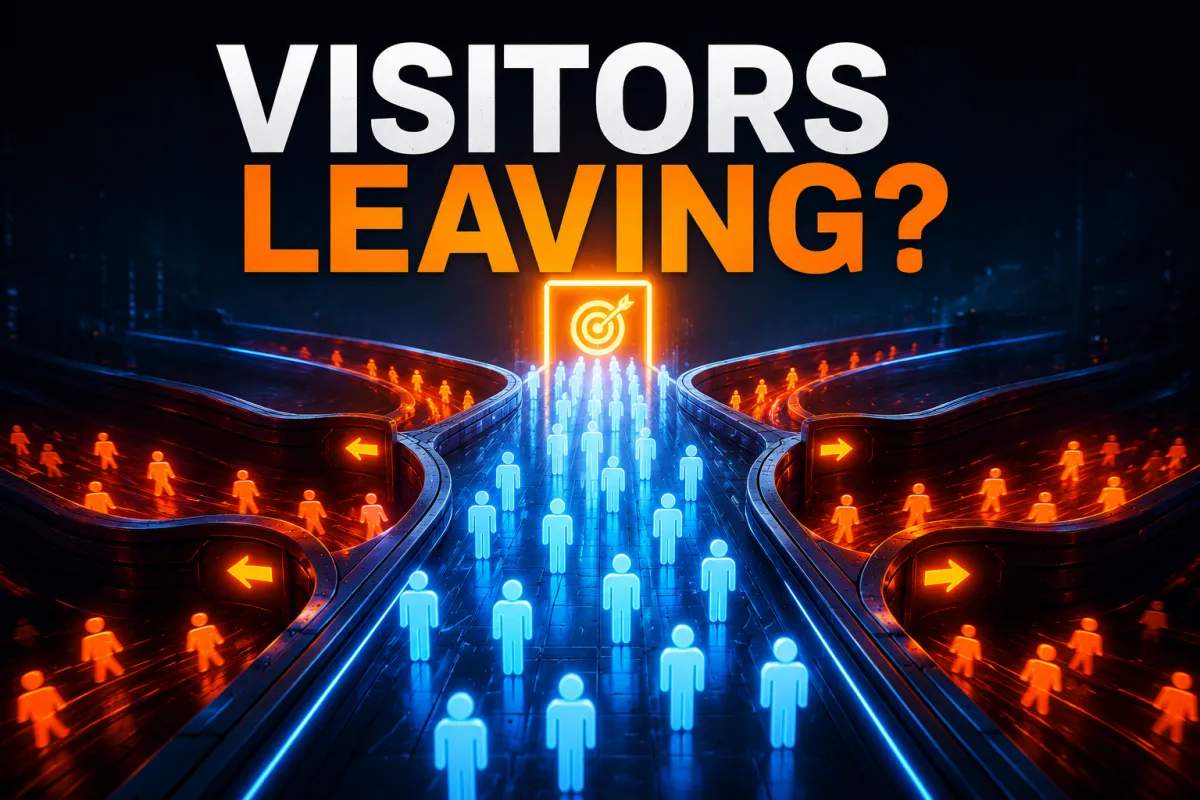
Attention spans are shorter than ever in 2026. Visitors decide within seconds whether to stay on your page or leave. A cluttered layout, a weak headline, or a form that goes nowhere will cost you leads regardless of how much you spend driving traffic to the page.
GoHighLevel gives you a powerful drag-and-drop builder with over 400 pre-built templates, built-in CRM integration, A/B testing, and mobile-responsive design tools. The platform has everything you need to build high-converting pages. The problem is most business owners use it without a clear design strategy, which means they end up with pages that look decent but perform poorly.
Getting your GHL landing page design right means more leads, lower cost per acquisition, and a stronger return on every pound you put into advertising.

Start With a Clear Goal Before You Design Anything
The biggest mistake business owners make is opening the GHL builder and starting to drag elements around before they have defined what the page needs to do.
Every landing page should have one single goal. That goal could be booking a consultation, capturing an email address, registering for a webinar, or downloading a guide. Once you are clear on the goal, every design decision becomes easier because you are asking one question at every step: does this element support the goal or distract from it?
Remove anything that does not directly support your conversion goal. Navigation menus, social media links, and unrelated content all give visitors a reason to leave before they take action.
Write a Headline That Communicates Value Instantly
Your headline is the first thing every visitor reads. It needs to communicate exactly what they will get and why it matters to them, in one clear sentence.
A strong GoHighLevel landing page headline is specific, benefit-focused, and matches the message of whatever brought the visitor to the page in the first place. If someone clicks a Facebook ad about booking a free strategy session, your headline should confirm they are in the right place immediately.
Avoid vague headlines like "Welcome to Our Business" or "We Help Companies Grow." These say nothing. Instead, write headlines that speak directly to the problem your visitor has and the outcome you deliver.
Pair your headline with a short subheadline that adds context and reinforces the offer. Together they should answer three questions in under five seconds: what is this, who is it for, and what happens next.
Design for Simplicity and Visual Clarity
Minimalism is not just a design trend. It is a conversion strategy. The more visual noise on your landing page, the harder it is for visitors to focus on what you want them to do.
In GoHighLevel, it is easy to keep adding sections, images, icons, and text blocks. Resist that temptation. A clean page with plenty of white space, a clear visual hierarchy, and a single prominent call to action will almost always outperform a busy page packed with information.
Use a consistent colour palette that matches your brand. Limit your font choices to two at most. Make sure your call to action button stands out visually from everything else on the page by using a contrasting colour that draws the eye naturally.
Keep body text short and scannable. Use short paragraphs, bullet points for key benefits, and subheadings to break up longer sections. Most visitors scan before they read, so your page needs to communicate its core message even to someone who never reads a single full paragraph.
Optimise Every Page for Mobile First
More than half of all web traffic comes from mobile devices. If your GoHighLevel landing page looks great on desktop but breaks on a phone, you are losing a significant portion of your potential leads before they even see your offer.
GoHighLevel's builder includes mobile-responsive design by default, but responsive does not mean optimised. Always preview your page on mobile after every round of edits. Check that your headline is readable without zooming, your form fields are easy to tap, your call to action button is large enough to press with a thumb, and no text is getting cut off or overlapping.
Pay particular attention to page load speed on mobile. Heavy images, unnecessary scripts, and bloated layouts slow your page down. Use Google PageSpeed Insights to test your page before running any paid traffic to it.
Connect Your Form Directly to Your GHL Pipeline
One of the most common GoHighLevel landing page issues is a form that looks fine on the front end but is not properly connected to your CRM on the back end. Leads come in and go nowhere because the form was never wired to a pipeline stage, workflow, or follow-up sequence.
Every form on your landing page should be connected to a specific pipeline in your GHL CRM. The moment someone submits their details, they should automatically move into the correct pipeline stage, trigger a follow-up workflow, and receive a confirmation message whether that is an email, SMS, or both.
Test your form before you publish the page. Submit a test entry and confirm it appears correctly in your CRM, triggers the right automation, and delivers the confirmation message you intended. This takes two minutes and prevents you from running campaigns to a broken page.
Build Trust With Social Proof and Credibility Elements
Visitors who land on your page for the first time do not know you. They have no reason to trust you yet. Social proof gives them the evidence they need to feel confident taking action.
Add testimonials from real clients with their names and ideally a photo. Include specific results where possible rather than generic praise. Case study snippets, star ratings, client logos, and media mentions all contribute to credibility and reduce the hesitation that stops people from filling in your form.
Place your most compelling testimonial close to your call to action so the final thing a visitor reads before deciding is a positive outcome from someone who was in their position.
Use A/B Testing to Improve Performance Over Time
GoHighLevel includes built-in A/B testing that lets you run two versions of your landing page simultaneously and measure which one converts better. Most business owners never use this feature, which means they are leaving significant performance improvements on the table.
Start with the elements that have the biggest impact on conversion. Test your headline first, then your call to action button text, then your hero image or video. Run each test long enough to gather statistically meaningful data before making a decision. Do not change multiple elements at once or you will not know what drove the difference in results.
Consistent A/B testing over time is one of the most reliable ways to steadily improve your conversion rate without increasing your ad spend.
Match Your Page Design to Your Ad Creative
Message match is one of the most overlooked factors in landing page performance. When someone clicks an ad, they have a specific expectation about what they will see next. If your landing page does not immediately reflect the promise made in the ad, visitors feel confused and leave.
If your ad uses a specific headline, image, or offer, your landing page should mirror that language and visual style as closely as possible. The transition from ad to page should feel seamless, not like the visitor has landed somewhere unrelated.
This applies to colour schemes, tone of voice, and the specific offer being promoted. Consistency between your ad creative and your landing page design builds trust instantly and keeps visitors engaged long enough to convert.
Add a Video to Increase Engagement
A short, well-produced video on your GoHighLevel landing page can significantly increase time on page and conversion rates. Video gives you the opportunity to build a personal connection with your visitor, explain your offer more clearly than text alone, and demonstrate credibility in a way that written content cannot always achieve.
Keep your video short, between 60 and 90 seconds for most lead generation pages. Get to the point quickly, address the visitor's problem, explain your solution, and end with a clear call to action that directs them to the form below the video.
Autoplay with muted sound is generally more effective than requiring the visitor to press play, as it reduces friction and gets your message in front of more people.
Review Your Call to Action Copy
Most GoHighLevel landing pages use generic call to action text like "Submit," "Contact Us," or "Get Started." These phrases are weak because they are vague and say nothing about what the visitor will receive.
Strong call to action copy is specific, benefit-driven, and creates a sense of momentum. Instead of "Submit," use "Book My Free Strategy Session." Instead of "Get Started," use "Claim My Free Audit." The more clearly your CTA communicates the outcome the visitor will get by clicking, the higher your conversion rate will be.
Apply the same thinking to the button colour, size, and placement. Your CTA button should be impossible to miss, appear above the fold on desktop and mobile, and be repeated at key points throughout longer pages.

Frequently Asked Questions
Do I need design experience to build a GoHighLevel landing page? No. GoHighLevel's drag-and-drop builder is designed for business owners without a design background. The platform includes templates, pre-built sections, and intuitive editing tools that make it straightforward to build professional pages without writing a single line of code.
How many landing pages can I create in GoHighLevel? GoHighLevel allows you to create unlimited landing pages, funnels, and websites across all plans. There is no per-page fee, which makes it particularly cost-effective for businesses running multiple campaigns or agencies managing several clients.
Should I use a GoHighLevel template or build from scratch? Both approaches work. Templates are useful for getting a page live quickly, but they require proper customisation to perform well. If you use a template, replace all placeholder content, connect your forms to your CRM, and test the page thoroughly before driving traffic to it.
How do I improve my GoHighLevel landing page conversion rate? Focus on one clear goal per page, write a compelling headline, simplify your design, add social proof, connect your forms correctly, and use A/B testing to identify what resonates with your audience. Small, consistent improvements over time deliver the most reliable results.
Can I connect my GoHighLevel landing page to paid advertising campaigns? Yes. GoHighLevel landing pages can be connected to Google Ads, Facebook Ads, and other paid traffic sources. Make sure your landing page URL is set on a custom domain, your message matches your ad creative, and your form is wired to the correct pipeline before launching any paid campaigns.
Ready to Get More From Your GoHighLevel Landing Pages?
If your landing pages are live but not converting the way you expected, the issue is rarely the traffic. It is almost always the design, the message, or the systems behind the page. Bolder Digital helps business owners build GoHighLevel landing pages that are properly designed, fully connected, and built to convert. Get in touch with our team to find out how we can help.