
AI Chatbot for Events and Bookings: Capacity, Waitlists, and Changes
Anyone who has run a venue, a restaurant, a class, or an event knows the three questions that decide whether a booking system works. Is there space? What happens if there is not? And what happens when plans change? At Bolder Digital, these are the questions we build every booking chatbot around, because a chatbot that takes bookings is easy. One that handles capacity, waitlists, and changes honestly is the hard part.
Capacity: The Chatbot Is Only as Good as Its Source of Truth
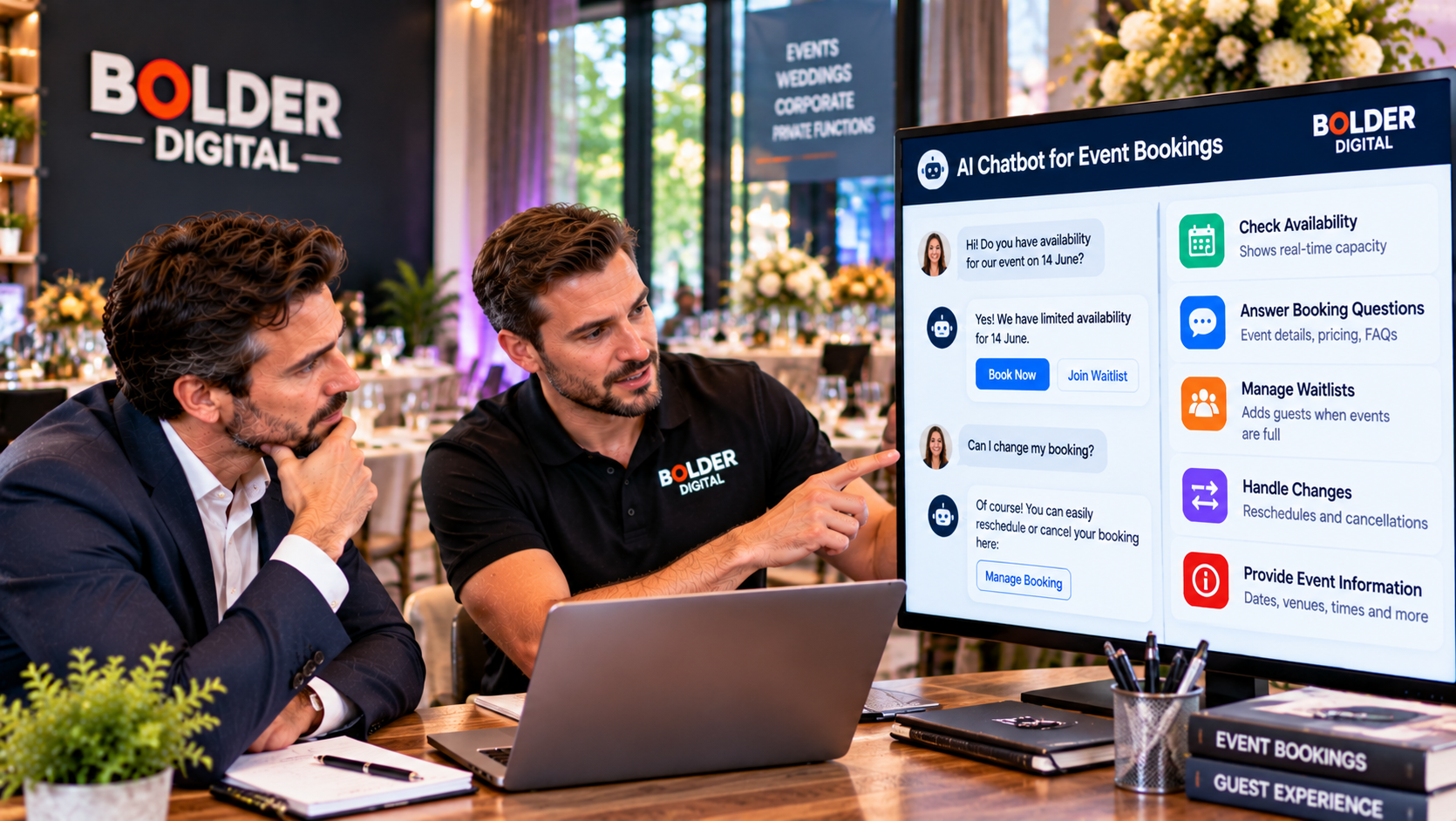
The single most important rule is that the chatbot must read live availability from your booking system, not from memory. A conversational AI can sound very sure of itself, and an AI that promises a table or a seat that does not exist is worse than no chatbot at all.
A properly built setup does a few things:
Checks the real calendar or booking system every time someone asks, instead of guessing.
Syncs both ways, so when a booking is made, the slot disappears for the next person, and when staff block time or add a booking by hand, the chatbot sees it.
Holds a slot briefly while someone is choosing, so two people cannot take the same seat at the same moment.
Covers every channel. Bookings arrive from your website, Instagram, the phone, and walk ins. If each has its own record, you will double book.
One note of caution from industry guides. Many chatbots on the market only take booking requests and pass them to a calendar, without checking availability in real time. That is a perfectly good tool for some businesses, but the chatbot should be clear whether it has confirmed a booking or only received a request, and so should your confirmation message.
Know Your Real Limits
Capacity is not only about how many people want a seat. Venues have safe and licensed limits, staffing limits, and kitchen or equipment limits. Set those in the system as hard rules. That includes:
maximum covers or attendees per session
party size limits and when to refer to a person
buffers between sessions
how many bookings staff can realistically handle at a time
The chatbot should never be able to book past a safe maximum, however politely a customer asks.
Waitlists: Turning a No Into a Maybe
When a session is full, a good chatbot does not leave the customer with a flat no. It offers a waitlist. The mechanics matter:
The customer joins with their date, party size, and contact details.
When a cancellation opens a space, the chatbot offers it to the next suitable person.
The offer is held for a short, stated window, such as fifteen to thirty minutes, depending on how soon the event is.
If nobody responds, it moves to the next person on the list.
Anyone who books another way is removed, so you do not keep messaging them.
Fairness and clarity matter. Say how the waitlist works, do not promise a spot, and only contact people for the reason they gave their details. Vendors claim that waitlist automation can refill a large share of cancelled slots, but results depend entirely on demand, so treat those numbers as best case.
Changes: Where Policies and Law Meet
Change requests are where most booking problems arise, and where the law matters.
A good chatbot lets customers reschedule or cancel without ringing anyone, and it applies your policy consistently. For that to work, the policy must be clear, shown at the point of booking, and repeated in the confirmation.
Several points apply under Australian consumer law:
Cancellation fees must be fair. They are allowed, but they need to be disclosed upfront and reasonable. Courts have found terms allowing excessive fees to be unfair and unenforceable.
Consumer guarantees cannot be contracted out of. If you cancel or significantly change an event, customers are generally entitled to a refund, whatever the fine print says. The ACCC’s guidance on events says that where an organiser cancels or makes a major change, such as a different venue or headline act, a refund is likely owed.
Not every change is the same. Cancellations caused by outside restrictions can be treated differently, so the reason matters.
For a chatbot, that means three rules. It states your policy accurately and does not invent one. It never says something like “no refunds under any circumstances”, which can mislead. And it hands refund disputes, major event changes, and unusual cases to a person.
Deposits and Payments
Deposits reduce no shows, and many vendors report strong effects. If you use them, the chatbot should explain clearly:
how much the deposit is
whether it is refundable, and until when
whether it counts towards the final bill
Payments should happen through a proper payment link, never by typing card numbers into the chat. Any no show fee should be fair and disclosed in advance.
Reminders and Confirmations
Confirmations and reminders are among the most effective features of a booking chatbot. Research in medical settings has found automated reminders can cut no shows substantially, and restaurant vendors report reductions as well, though figures vary widely. A useful reminder gives the key details, and makes it easy to confirm, change, or cancel with one reply.
Booking confirmations and reminders are generally treated differently from marketing under the Spam Act, but do not slip promotions into them, and make sure you have the right consent for anything beyond the booking.
Groups, Functions, and Special Requests
Some bookings should go to a person. Set a threshold, such as a party above a certain size, a private function, or a set menu with a minimum spend. The chatbot can gather the details, such as date, numbers, and budget, and pass them to a manager, rather than agreeing to arrangements it cannot guarantee.
Special requests need care too. For access needs, dietary requirements, and allergies, the chatbot should record the details clearly and pass them to the team, not promise that a kitchen can accommodate them. It should never give medical advice.
Keep People in the Loop
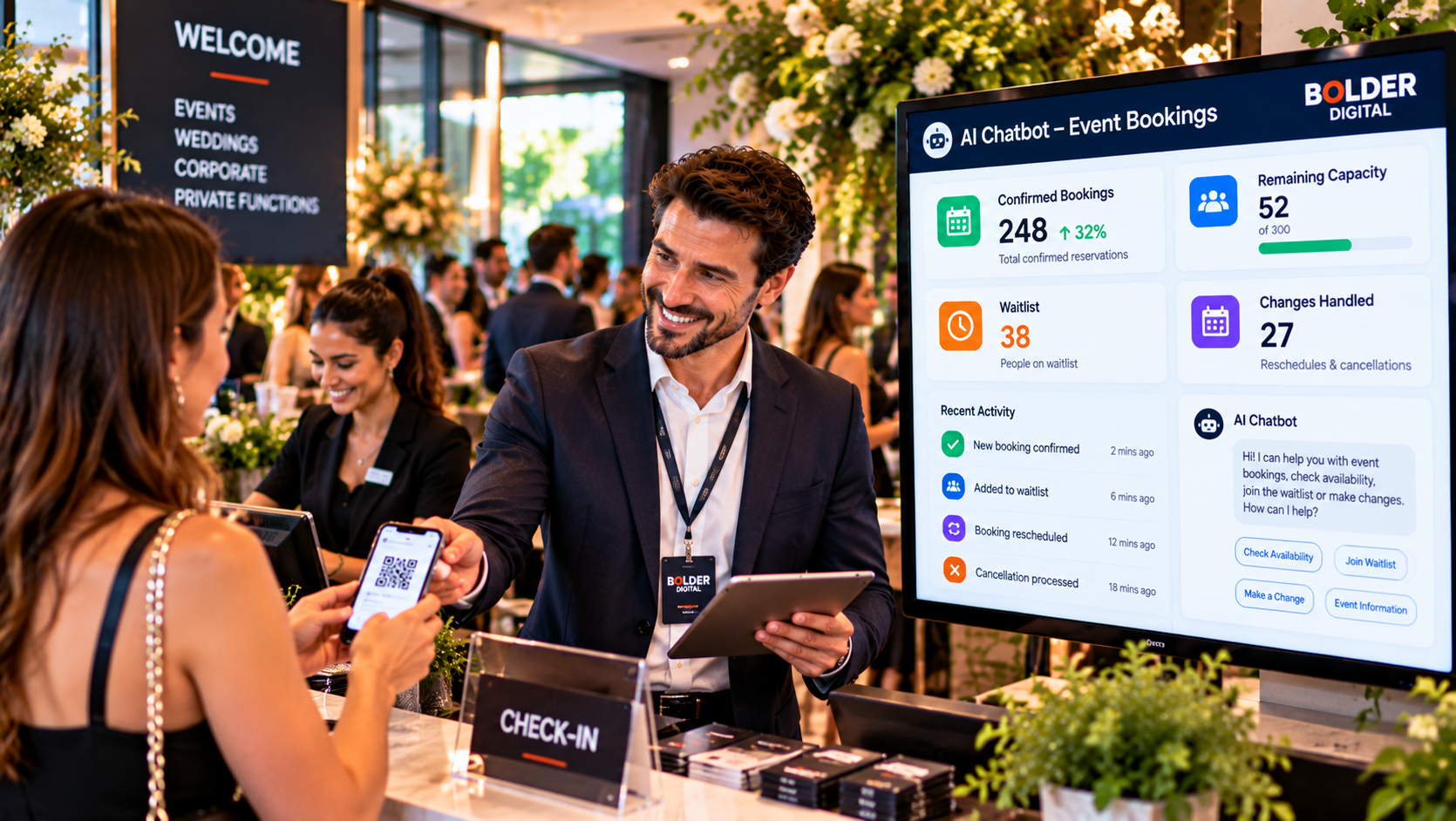
A chatbot should make life easier for staff, not hide what is going on. Give your team a clear view of bookings, waitlists, and changes, flag exceptions, and review a sample of conversations regularly. When something unusual comes up, such as a VIP, a complaint, or a complicated change, a person should step in.
Test the Awkward Cases
Before launch, try the situations that break booking systems:
two people trying to book the last seat at once
a party larger than the limit
changing a booking to a full date
cancelling inside the cancellation window
the same customer booking through two channels
time zones and daylight saving
regional public holidays, which vary across Tasmania
an event cancelled by you, and how customers are told
How Bolder Digital Approaches This
At Bolder Digital, we connect the chatbot to your real booking system or calendar, set your capacity rules and policies as written, build the waitlist and change flows, and test the awkward cases before launch. We also write the wording for cancellations and refunds carefully, and hand anything uncertain to your team. You can see how this fits into our AI Chatbot service.
The Bottom Line
A booking chatbot earns its keep by answering three questions honestly. It checks real capacity and never oversells, it offers a fair waitlist when you are full, and it handles changes by your policy and the law, with a person ready for the difficult ones. Built that way, it fills your calendar around the clock without creating problems for you to fix.
Frequently Asked Questions
How does a chatbot avoid double booking?
By reading live availability from your booking system, holding a slot briefly while a customer chooses, and syncing in both directions across every channel, including phone and walk ins.
How does a waitlist work in a chatbot?
The customer joins with their date, party size, and contact details. When a space opens, the chatbot offers it to the next person for a short, stated time, then moves on if there is no reply.
Can a business refuse refunds for cancelled events?
Generally not where the organiser cancels or significantly changes the event. Consumer guarantees under the Australian Consumer Law cannot be contracted out of, and a policy saying no refunds in any circumstances can mislead. Confirm your own terms with a lawyer.
Should a chatbot take card details in chat?
No. Payments should go through a proper payment link, with the deposit terms stated clearly.
Which bookings should go to a person?
Large groups, private functions, special arrangements, refund disputes, and major event changes. The chatbot can collect details, but a person should decide.
Jarryd Holmes, Founder & Owner, Bolder Digital | Prospect Vale, Tasmania | bolderdigital.com.au