AI Chatbot for Facebook Messenger and Instagram DMs
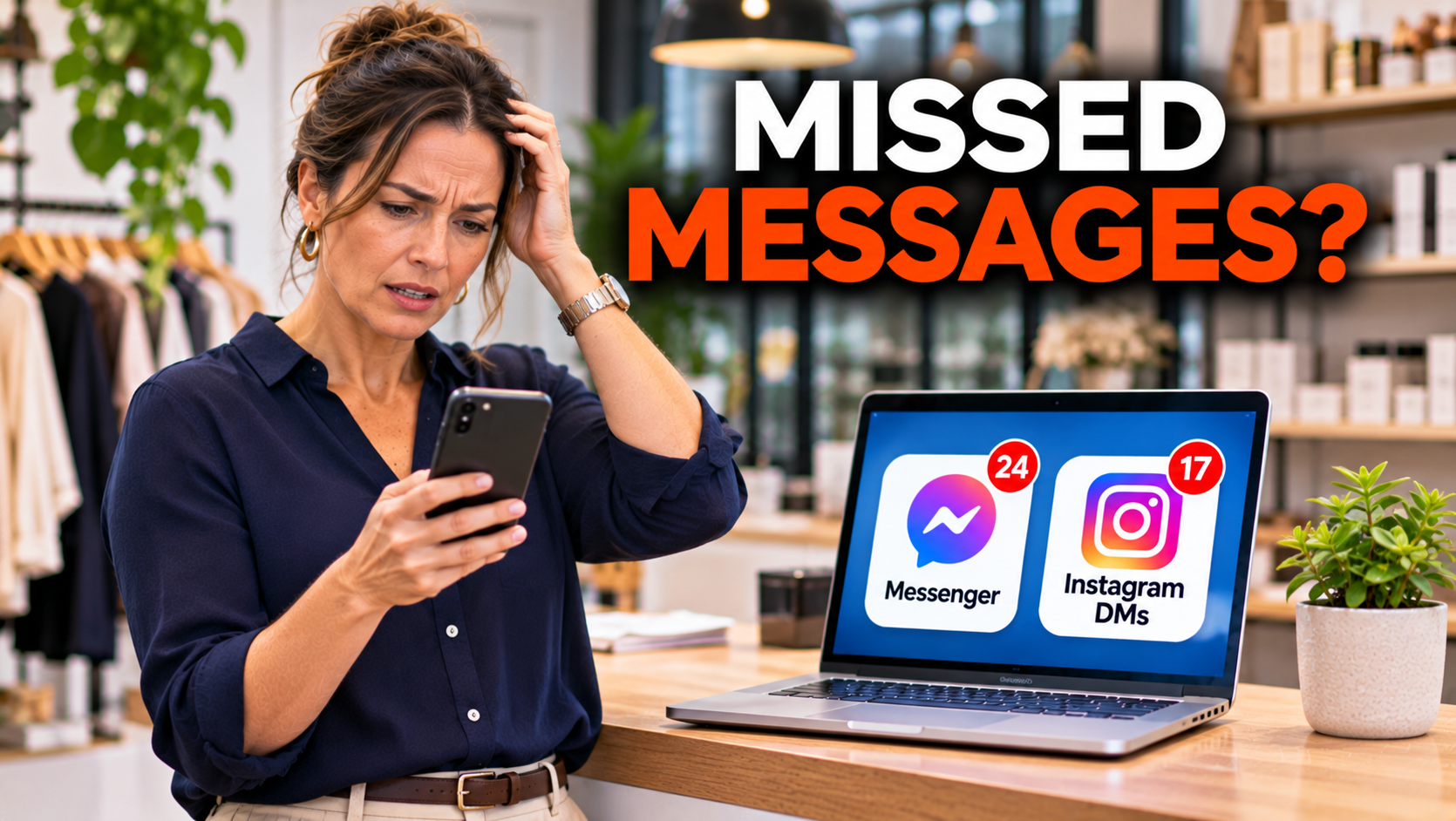
For a lot of small businesses, the shopfront is no longer the window. It is the direct message. Someone sees a post on Facebook or a photo on Instagram and sends “Is this still available?”, “Are you open Sunday?”, or “How much for a quote?”. They want an answer in minutes, and they are usually sending it at night or on the weekend. An AI chatbot for Facebook Messenger and Instagram DMs can answer those messages instantly. I am Jarryd Holmes from Bolder Digital, and full disclosure, we build AI chatbots, so I have a stake. This guide covers what a social media chatbot can do, the rules Meta puts around it, and how to set it up so it helps your customers and does not get your account into trouble.
Why Messenger and Instagram DMs Matter
Social inboxes are different from a website chat. People find you there while scrolling, so the enquiry is spontaneous and informal, and they expect a quick, casual reply. Many small businesses leave these messages unanswered for hours or days, because the owner is working. Every unanswered message is a customer who may have moved on to the next business in their feed.
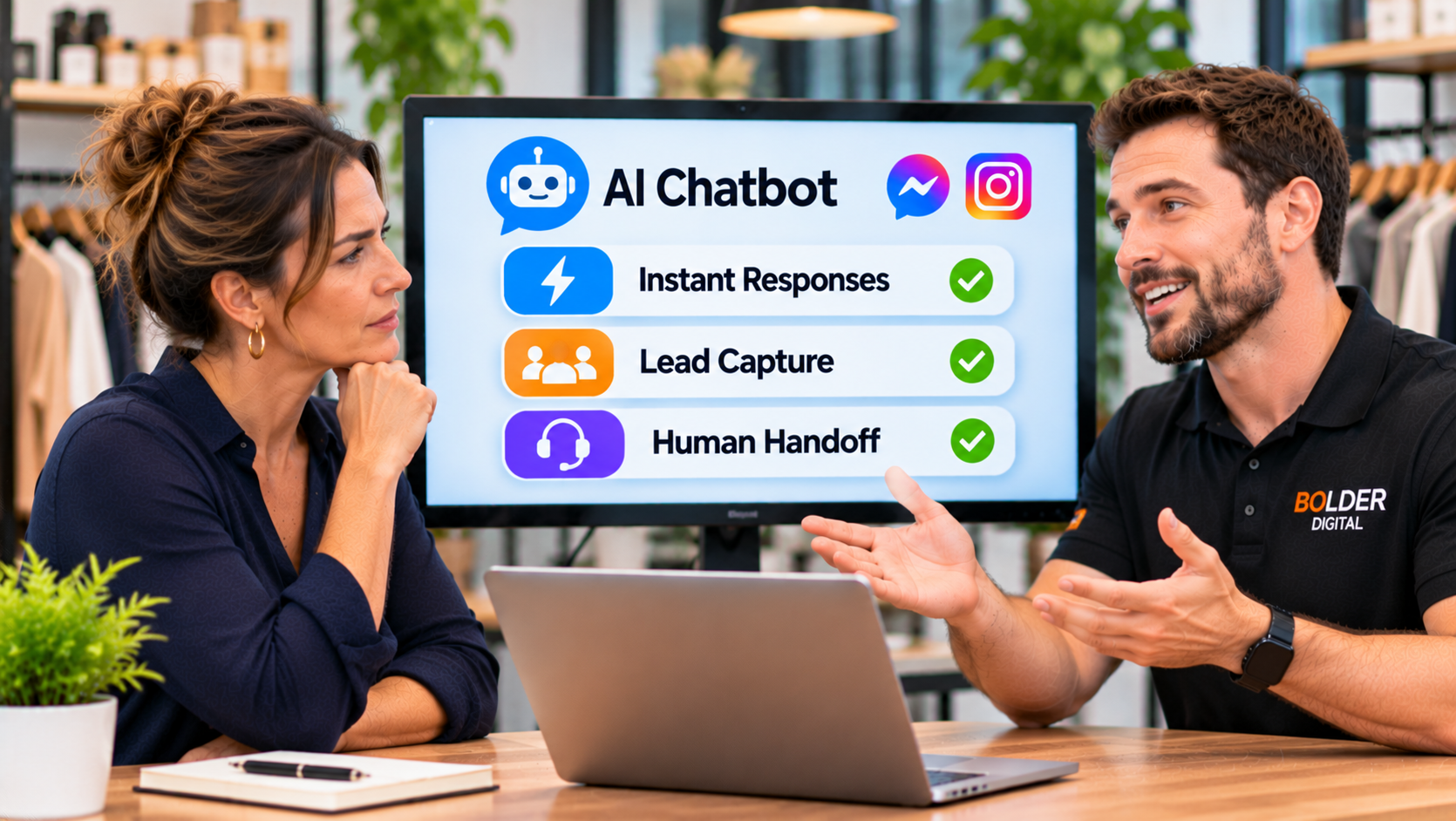
What an AI Chatbot Can Do in DMs
Answer the common questions: opening hours, location, prices, services, and availability.
Handle “Is this still available?” on posts, using your approved stock information.
Take quote and booking requests, capturing name, contact details, and what the customer needs.
Reply to comments with a DM, such as when a customer comments a keyword on a post or ad and receives details by message.
Acknowledge messages after hours, so the customer knows when to expect a person.
Pass the conversation to staff, with a summary, when it needs a human.
What It Should Not Do
give clinical, legal, or financial advice
take card details or other sensitive information in a DM
promise prices, stock, or timing it cannot verify
argue with a complaint, or try to resolve it alone
send mass promotions to people who have not asked
Meta’s Rules You Need to Design Around
This is where social chatbots differ from website chat. Meta controls the platform, and its rules shape what a chatbot can do. In summary, from Meta’s developer documentation:
Use a business account and approved tools. Automation runs through Meta’s official messaging tools and approved partners, on professional or business accounts. Personal accounts cannot use the messaging API, and you should never give a tool your password.
The 24 hour window. You can send automated messages within 24 hours of the person’s last message to you. Each new message from them resets the clock. Messages inside the window may include promotional content.
After 24 hours, only a person can reply. A business can use Meta’s human agent tag to have a real person respond for up to 7 days after the customer’s last message. It is meant for human support, such as when the business is closed for the weekend or an issue takes more than a day to resolve. Automated messages are not permitted under it. In chats that start from a Click to Direct ad, the window can last longer.
They message first. A business can message someone who has messaged it. You cannot cold message people.
Comments are limited. For a comment on a post, you can send one private reply, within 7 days. Further messages can follow only after the person replies, and then the 24 hour window applies.
Disclosure. Meta’s policy expects clear disclosure when a chat moves from a human to an automated experience, with wording such as “You are talking to a bot”.
Responsiveness. Meta expects bots to respond to any input from the user promptly, and one summary of the policy puts it at around 30 seconds.
An escalation path. A real person should be reachable.
These rules can change, so confirm the current version with Meta or your tool provider before you launch.
The 24 Hour Rule Changes How You Staff It
The 24 hour window means “automatic, any hour” is not the whole story. If a conversation needs a human, you have about a day to respond before automation is off the table, and after that only a person can reply, for up to a week. In practice:
set an alert when a handover is waiting
aim to have a person respond within the same working day
track conversations nearing 24 hours, and have someone follow up
remember that every new customer message restarts the clock
The Spam Act and DMs
Australia’s Spam Act covers commercial electronic messages, including instant messages. Replying to a customer’s own enquiry is different from sending marketing. Once you start sending promotions or offers, consent and an easy way to opt out matter. Take advice on how the Act applies to your activity. Our guide to marketing automation for small business covers the basics.
Designing the Conversation
Keep it short, friendly, and honest.
Open with disclosure and a clear offer. For example: “Hi, I’m the AI assistant for Smith Plumbing. I can answer questions, take a quote request, or pass you to the team. What can I help with?”
Use quick reply buttons for common choices, such as hours, quote, and booking.
Ask one question at a time. Messaging is quick and casual.
Handle “Is this still available?” from your stock information, and hand over to a person to confirm anything uncertain.
Give a way out. “Talk to a person” should always be available.
Close the loop. Tell the customer what happens next and when.
A sample after hours reply: “Thanks for your message. We’re closed right now, but I’ve passed your details to the team and someone will reply by 9am tomorrow. In the meantime, I can answer common questions if you’d like.”
Privacy and Sensitive Topics
DMs are conversations on Meta’s platform, and people type more than they intend to. Keep sensitive information out of them.
Do not ask for card details, passwords, or ID numbers.
For health, legal, and financial businesses, keep the chatbot to administration, and move detail to secure forms or a phone call, as we discuss in our guides on physio and allied health chatbots and dental chatbots.
Tell customers they are speaking with an AI.
Limit who can read conversations, and set a retention period.
Australians are also cautious about AI in customer service, as surveys suggest, so an honest disclosure and an easy route to a person matter. Our piece on AI chatbot versus live chat covers it.
Choosing Your Tool
There are several ways to run a DM chatbot.
Meta’s own inbox tools, such as instant replies, away messages, and frequently asked questions, which are simple and free but basic.
Meta’s own AI features for businesses, where available in your region. Their availability and features vary, so check them.
Third party chatbot platforms connected through Meta’s official tools, including all in one platforms such as GoHighLevel, which can connect Facebook and Instagram conversations to the same customer record, bookings, and follow up as your other channels.
Whichever you choose:
Use only one AI per account. Two bots on one conversation can give customers two different answers.
Check it connects through official channels, not tools that ask for your password.
Check it supports handover, notifications, and conversation history.
Check what it costs, including usage fees.
Common Mistakes
A chatbot with no human path.
Assuming it can message customers after the window has closed.
Forgetting to disclose that it is automated.
Letting it guess at stock, prices, or availability.
Running two automated tools on one inbox.
Using unofficial tools that risk your account.
Setting it up once and never reading the conversations.
What to Measure
time to first reply, on social messages
conversations handled by the chatbot, and how many are handed over
leads and bookings captured
handovers not answered within 24 hours
complaints or confusion about the chatbot
Read a sample of conversations each week, and fix wrong answers.
A Quick Checklist
Business account, connected through official tools.
Clear AI disclosure in the opening message.
A person always available, with alerts for handovers.
A plan for replying within the 24 hour window.
No sensitive information collected in DMs.
One AI per account.
Spam Act advice for any marketing.
Weekly review of conversations.
How Bolder Digital Helps
At Bolder Digital, we build AI chatbots that answer from your approved information on Facebook, Instagram, and your website, within Meta’s rules. We set up the disclosure, the handover and alerts, and the bookings, and we review conversations with you. You can read more about our AI Chatbot service and our GoHighLevel services.
The Bottom Line
An AI chatbot for Facebook Messenger and Instagram DMs can make sure no message goes unanswered, at any hour, in the casual place where many customers now start. It works best when it respects Meta’s rules, is honest about being automated, keeps sensitive matters out of the chat, and hands over to a real person within the window. Design it that way, and your DMs become a reliable source of enquiries and bookings.

Frequently Asked Questions
Can an AI chatbot reply to Instagram DMs?
Yes, through Meta’s official messaging tools on a professional account. Automated replies must go out within 24 hours of the customer’s last message, and a person can continue the chat for up to 7 days.
Can a chatbot message customers first?
No. A business can only message people who have contacted it. For comments, you can send one private reply within 7 days, and any follow up depends on the person replying.
Do I have to say it is a bot?
Meta’s policy expects clear disclosure when a chat becomes automated, and honesty with customers also matters under Australian consumer law. A simple line at the start does the job.
What happens after the 24 hour window?
Only a real person can reply, for up to 7 days, using Meta’s human agent tag. After that, you wait until the customer messages again.
Can I use my personal Instagram account?
No. Official automation requires a professional or business account, connected through Meta’s approved tools.
Jarryd Holmes, Founder & Owner, Bolder Digital | Prospect Vale, Tasmania | bolderdigital.com.au