GHL Services: 10 Workflow Automations Every Business Needs
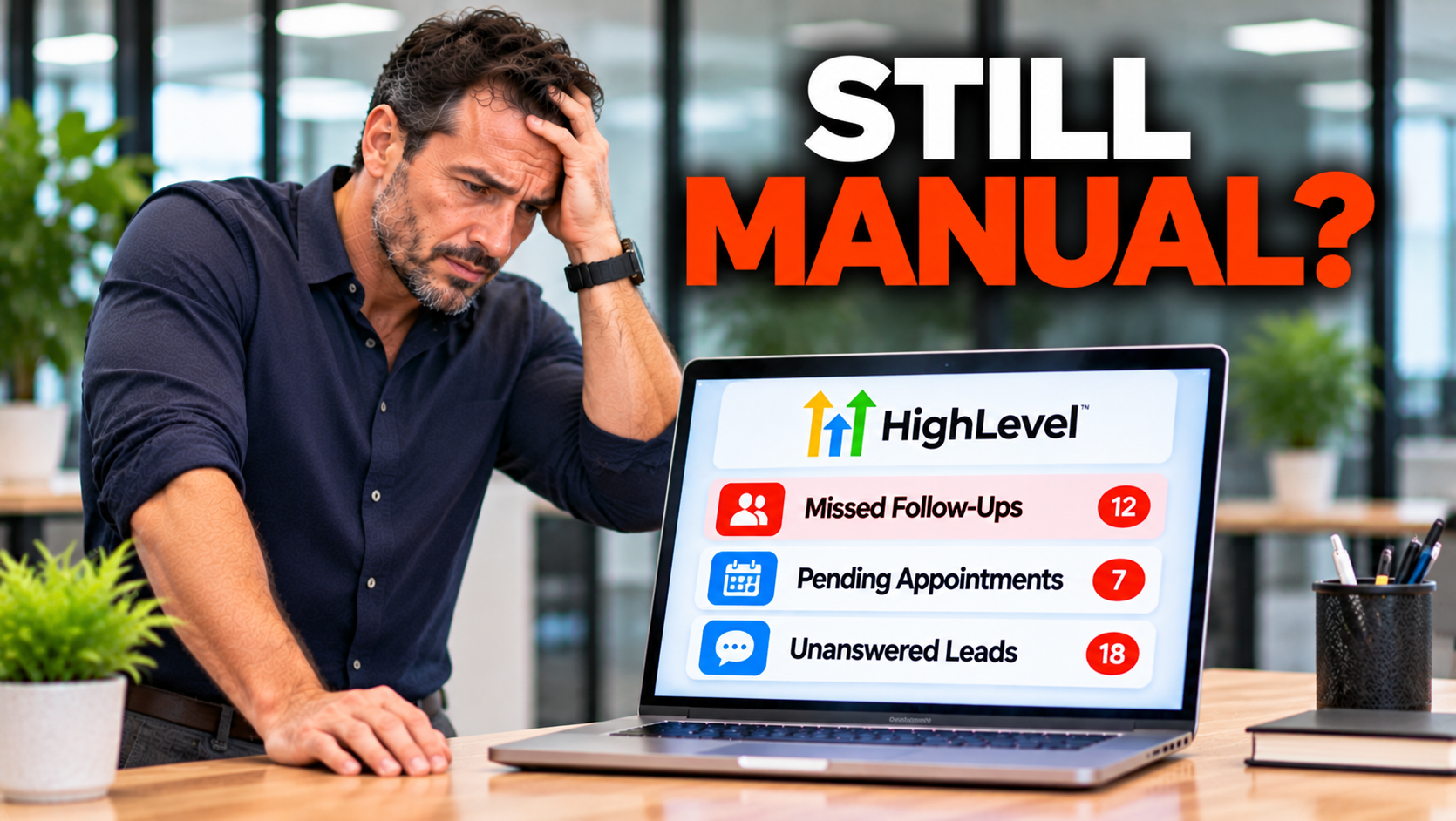
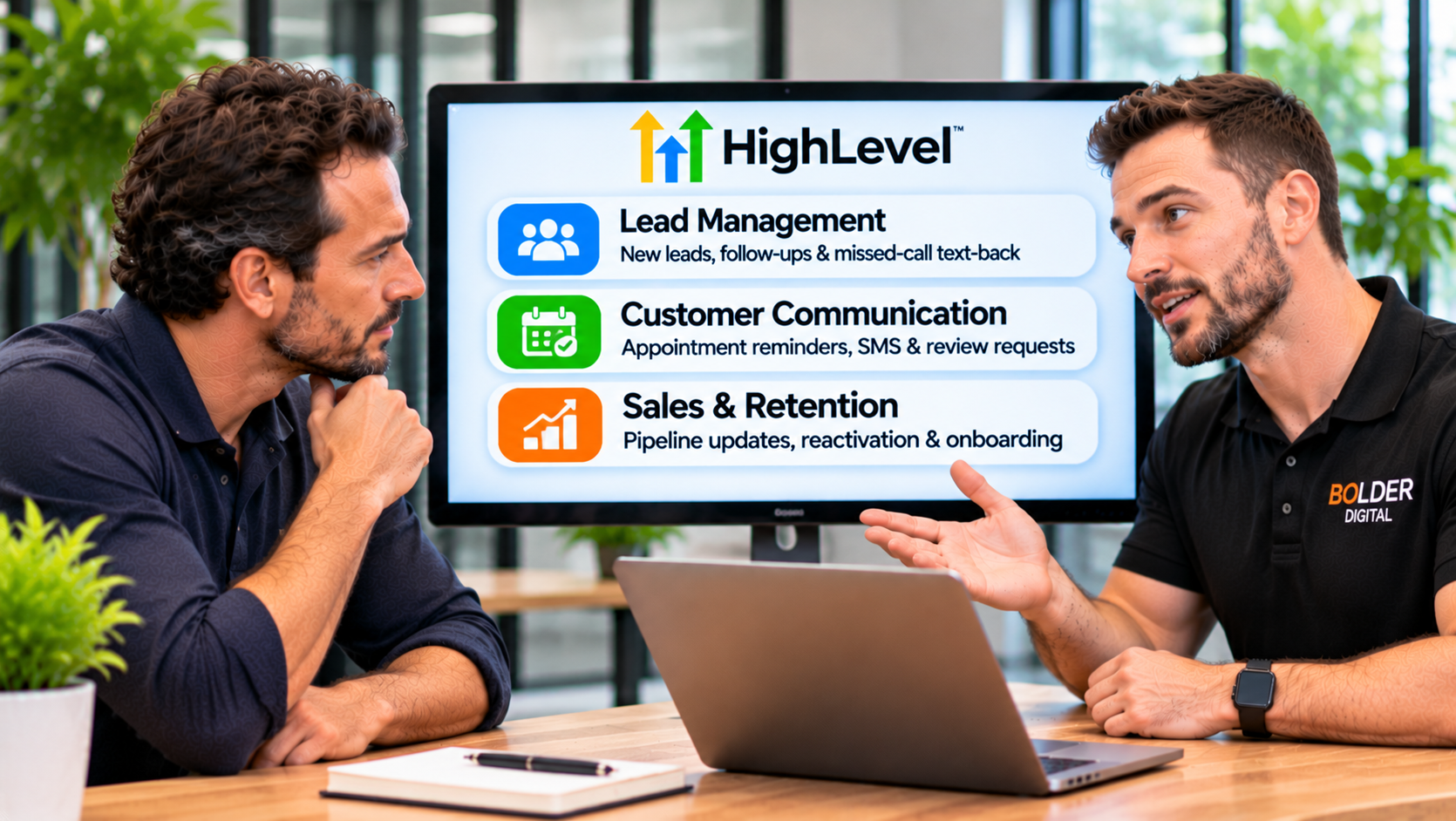
GoHighLevel can do an enormous amount, which is exactly why many businesses sign up, log in, and then do almost nothing with it. The platform is not the hard part. Knowing what to build is. At Bolder Digital, we provide GHL services for Tasmanian and Australian businesses, so I am Jarryd Holmes and I have a stake. But the same ten workflow automations come up in nearly every build we do, whether the client is a tradie, a clinic, a salon, or a professional firm. This is the shortlist, in a sensible order, with what each one does and how to build it well.
What a GoHighLevel Workflow Is
A GoHighLevel workflow is a set of steps that runs automatically when something happens. It has four basic parts.
Trigger: the event that starts it, such as a form being submitted, a missed call, a booking, or a pipeline stage changing.
Actions: what happens, such as sending a text or email, creating a task, or moving a contact.
Waits: pauses for a set time, until a certain moment, or until the customer replies.
If/else and goals: branches that change the path, and goal events that jump a contact ahead, such as when they book.
Everything below is built from those parts.
Six Rules for Every Workflow
Stop on reply or booking. The moment a customer replies, books, or opts out, the sequence should stop and a person should take over.
Respect consent and opt outs. The Spam Act requires consent, clear sender details, and a working unsubscribe, honoured within five business days. Our guides on email and SMS explain more.
Send in business hours. Use time windows in your local time, so a text does not land at 10pm. Tasmania observes daylight saving, so check your time zone settings.
Keep one sequence per person. A customer should not be in three follow up flows at once.
Keep texts short. A message over about 160 characters becomes several segments, and Australian texts cost more than US ones. Our pricing guide has the numbers.
Test with your own phone first, before going live.
1. Instant Lead Response
Trigger: a form submission, web chat, or message.
What it does: within a minute, the lead receives a text and email confirming you have their enquiry, and you get an internal alert. It creates the contact, puts them in your pipeline as a new lead, and sets a task for follow up. If there is no reply after a couple of hours, it sends one more message, and it stops when they reply or book.
Example text: “Hi Jess, thanks for contacting Smith Plumbing. We’ve got your enquiry and will be in touch shortly. Is there anything specific you need sorted today?”
Why first: speed is the biggest leak for most businesses, and this takes under an hour to build.
2. Missed Call Text Back
Trigger: Call Status set to missed.
What it does: sends a text within a minute, notifies your team, and routes any reply into your pipeline. Add a version for after hours that says when someone will be in touch.
Example text: “Sorry we missed your call. What can we help with? Reply here and we’ll get back to you shortly.”
Tip: treat replies as live leads, with a notification, not as an inbox that nobody checks. Our missed call text back guide covers the setup.
3. Appointment Confirmation and Reminders
Trigger: Customer Booked Appointment.
What it does: sends an instant confirmation, a reminder 24 hours before asking for a reply to confirm, and a short reminder a couple of hours before, with the address or meeting link. When someone reschedules or cancels, the old reminders stop and the new booking starts afresh.
Example text: “Hi Tom, a reminder that your appointment is tomorrow at 10am at 12 Main Street. Reply YES to confirm, or tap here to change it.”
Tip: three reminders before the appointment is usually the limit. More tends to increase opt outs. Agencies report reductions in no shows of 25 to 40 percent or more, though your results will vary.
4. No Show and Cancellation Recovery
Trigger: Appointment Status changes to no show.
What it does: within an hour, a friendly, non judgemental text offers a quick rebook. A day later, an email can offer a few available times. It stops when they rebook.
Example text: “Hi Tom, we missed you today. No worries, life happens. Would you like to rebook? Here’s a link to pick a time.”
Tip: staff need to mark appointments as showed or no show, or the workflow has nothing to act on. Make it part of the routine.
5. Quote Follow Up
Trigger: Pipeline Stage Changed to Quote Sent.
What it does: checks in after a day, again around day three, day five, and day seven, and creates a task for the owner to call. It stops if the customer replies, accepts, or declines.
Example text: “Hi Jess, just checking you received the quote for the deck. Happy to answer any questions or adjust it. Cheers, Sam.”
Why it matters: many quotes go quiet simply because nobody chased them.
6. Review Request After the Job
Trigger: Appointment Status set to showed, a pipeline stage such as Completed, or a payment received.
What it does: waits a couple of hours, or until the next business morning, then sends a text with your direct Google review link. One polite reminder follows, then it stops.
Example text: “Thanks for choosing Smith Plumbing, Jess. If you were happy with the job, a quick Google review would mean a lot: [link].”
Rules: ask everyone, not just happy customers. Google’s policy discourages selectively asking only those likely to leave positive reviews. Do not offer rewards, and do not tell people what to write. Our review automation guide has more detail.
7. New Review Alert and Reply Task
Trigger: New Review Received.
What it does: notifies the owner immediately, creates a task to reply within a day, and flags low star reviews for a faster, more careful response. Some AI features can draft replies, but a person should read and approve them.
Why it matters: prompt, thoughtful replies show customers and Google that you are engaged, and they let you respond to a problem before it grows.
8. Cold Lead Re engagement
Trigger: Stale Opportunities, or a tag you add when a lead goes quiet.
What it does: sends a short check in, a second message a few days later, and a final “close the loop” message. Contacts who do not respond move to a low frequency nurture list, and those who reply go to a person.
Example text: “Hi Jess, still looking at the deck? Happy to help if you are, and no worries if the timing has changed.”
9. Invoice and Payment Reminders
Trigger: Invoice events, such as sent or overdue.
What it does: sends a friendly reminder before the due date, a polite follow up on the day, and an escalating but courteous message when it is overdue, with a payment link. It stops as soon as the invoice is paid, and it flags long overdue accounts for a personal call.
Why it matters: chasing money by hand is awkward and easy to forget, and cash flow is the lifeblood of a small business.
10. Past Customer Reactivation and Seasonal Reminders
Trigger: a tag you add to a segment, such as customers not seen for six months, or a date based reminder.
What it does: sends a short, useful message, such as a seasonal service reminder or an offer to book. Replies move into your pipeline with a task for follow up.
Rules: only message people who have agreed to hear from you, and send in small batches, because a burst of replies can overwhelm a small team. Clean your list first.
The Order to Build Them
If you are starting from scratch, a sensible sequence is:
Instant lead response, and missed call text back.
Appointment reminders, and no show recovery.
Quote follow up, and the review request.
Review alerts, and invoice reminders.
Cold lead re engagement, and reactivation.
Get each one working and tested before adding the next.
Common Mistakes
Sequences that keep going after the customer replies.
Messages sent with no consent or no opt out.
Texts landing in the middle of the night.
Customers stuck in several flows at once.
Nobody notified when a customer replies.
Staff not updating appointment statuses.
Long, formal messages that read like a form letter.
Building everything at once, and testing nothing.
What to Measure
time from enquiry to first reply
enquiries that become bookings
no show rate
quote win rate
reviews per month
money collected faster, from invoice reminders
unsubscribes and complaints, as a health check
What Professional GHL Services Add
You can build all of this yourself, and many people do. A GHL services provider adds speed, experience, and safety: workflows built around how your business really runs, Australian compliance handled properly, time zones and holidays set correctly, thorough testing, and someone to fix things when they break. Our guide to GoHighLevel services explains what to look for in a provider, and our piece on marketing automation for small business covers the thinking behind it.
How Bolder Digital Helps
At Bolder Digital, we build these ten workflows, and more, inside your GoHighLevel account, using your own tone, your pipeline, and your calendar. We can also add an AI receptionist and an AI chatbot so enquiries are answered around the clock. We keep your account in your name, test everything before launch, and train your team.
The Bottom Line
You do not need hundreds of automations. You need the right ten, built carefully. Instant lead response, missed call text back, reminders, no show recovery, quote follow up, reviews, invoice reminders, and reactivation recover revenue you are already earning but not collecting. Build them in order, stop them when the customer replies, respect the rules, and keep the tone human. That is what good GHL services deliver, and it is what turns a powerful platform into a reliable part of your business.
Frequently Asked Questions
What are GHL services?
GHL services are the professional setup, automation, and management work around the GoHighLevel platform, including building workflows, pipelines, websites, and AI tools, and keeping them running. They turn the platform’s features into a system that fits your business.
Which GoHighLevel workflow should I build first?
Instant lead response and missed call text back. They fix the biggest leaks for most businesses and are quick to build.
How many reminder messages should an appointment get?
Usually three before the appointment: a confirmation, a reminder the day before, and a short one a few hours before. More tends to increase opt outs without improving attendance.
Are these workflows allowed under Australian law?
They can be, if you have consent, identify yourself clearly, and provide a working unsubscribe that is honoured within five business days. Take advice on your own setup.
Can I use these workflows with GHL Australia numbers and texting?
Yes. Australian businesses use GoHighLevel with Australian numbers, but texting to Australian mobiles has its own rates and sender rules, so check costs and requirements before you launch.
Jarryd Holmes, Founder & Owner, Bolder Digital | Prospect Vale, Tasmania | bolderdigital.com.au